Watch my AI Engineering talk: How Claude Code Works
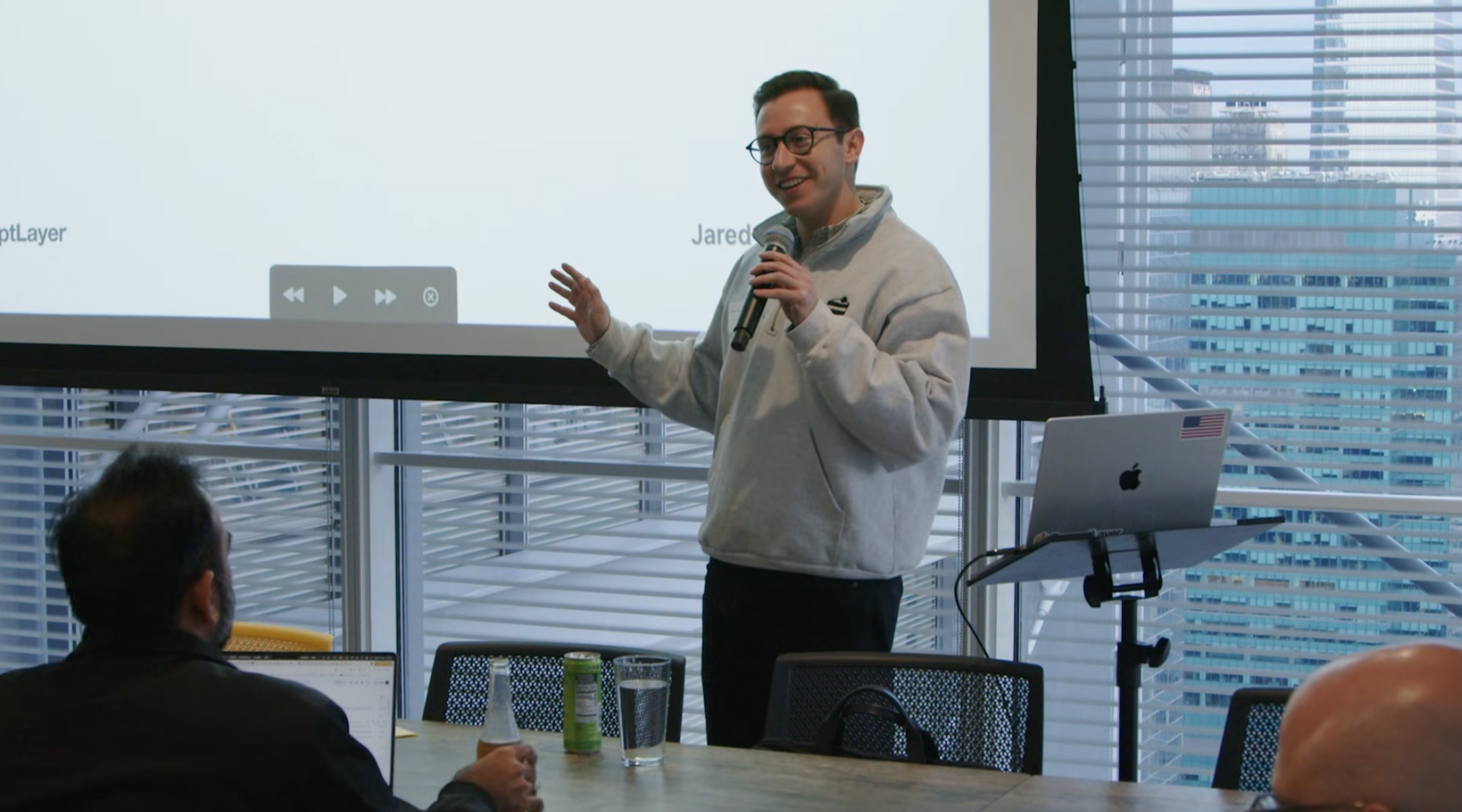
A few weeks ago, I gave a talk at the legendary the AI Engineering Summit. It’s titled: “How Claude Code Works”
The talk on Youtube
Claude Code completely changed how our engineering org functions. It really feels like a “moment” in this space.
Importantly, it represents a new standard for building autonomous agents. Suddenly agents are good. But why… There’s a lot we can learn about HOW to do AI Engineering. In the talk I worked to break down what we can learn from Anthropic & how other tools like OpenAI’s Codex take different decisions.
I’ll include three big points from the talk in this post.
"Give It Tools, Then Get Out of the Way"
The breakthrough is kind of boring. Claude Code has radically simple architecture. Plus radically better models. That's it.
The entire core of Claude Code is one while loop:
while(tool_call):
    execute_tool()
    feed_results_to_model()
    repeat()
The first time I used tool calls, it was shocking how good the models are at knowing when to keep calling tools and when to fix their own mistakes. The more you lean on the model to explore and figure it out, the more robust your system becomes.
Via negativa: agents are not relying on embeddings, classifiers, pattern matching, RAG, nor are they relying on ML-based intent detection. They are just system prompts and tool definitions.
If you let me quote from the Zen of Python… Simple is better than complex. Complex is better than complicated. Flat is better than nested. That's the whole talk. That's all you need to know about why Claude Code works. We're going back to engineering principles — simple design is better design.
Claude Code is a master class against over-engineering. CLAUDE.md is just a markdown file. It lets the user change stuff when they need, and lets the agent change stuff when they need. Everything is prompt engineering at the end of the day.
"Bash Is All You Need"
There are two amazing things about Bash for coding agents. First, it's simple and does everything — it's the universal adapter. Second, there's so much training data on it.
When Claude Code creates a Python file, runs it, then deletes it — that's the beauty of why this thing works. You have thousands of tools in one. ripgrep, jq, pytest, npm — the agent composes small shell tools as needed.
The tools in Claude Code aren't new inventions. They're what we use as humans. Read, grep, edit, bash. It’s just mimicking what you and I would do at a terminal trying to fix a problem.
Don't build 40 specialized tools. Build 5-10 flexible ones and let the model figure it out. Every engineer loves to over-optimize. When you first have an idea for an agent, you might say "I'm gonna prevent this hallucination with this prompt, then this prompt, then this prompt." Don't do that. Just a simple loop, get out of the way, delete scaffolding. Less scaffolding, more model.
"Switch Weapons — It's Faster Than Reloading"
Context management is the boogeyman we're now running from. The longer the context, the stupider the agent gets. Same for us.. I forget people's names if I meet too many in one day — that's context management.
Claude Code handles this with subagents. Each subagent gets its own context window, does its task, and feeds back only the results. The main agent forks, subagents gather, main aggregates. It doesn’t clutter the master context with every file you read.
Amp from Sourcegraph (a competing coding agent) has an interesting alternative called Handoff. Instead of compacting (summarizing your context when it gets too long), you just start a new thread and seed it with exactly the artifacts it needs. Switch weapons, it's faster than reloading.
The inspiration of this talk was actually this blog post: "Claude Code: Behind-the-scenes of the master agent loop". The tweet blew up, and I was asked to turn it into the talk above.
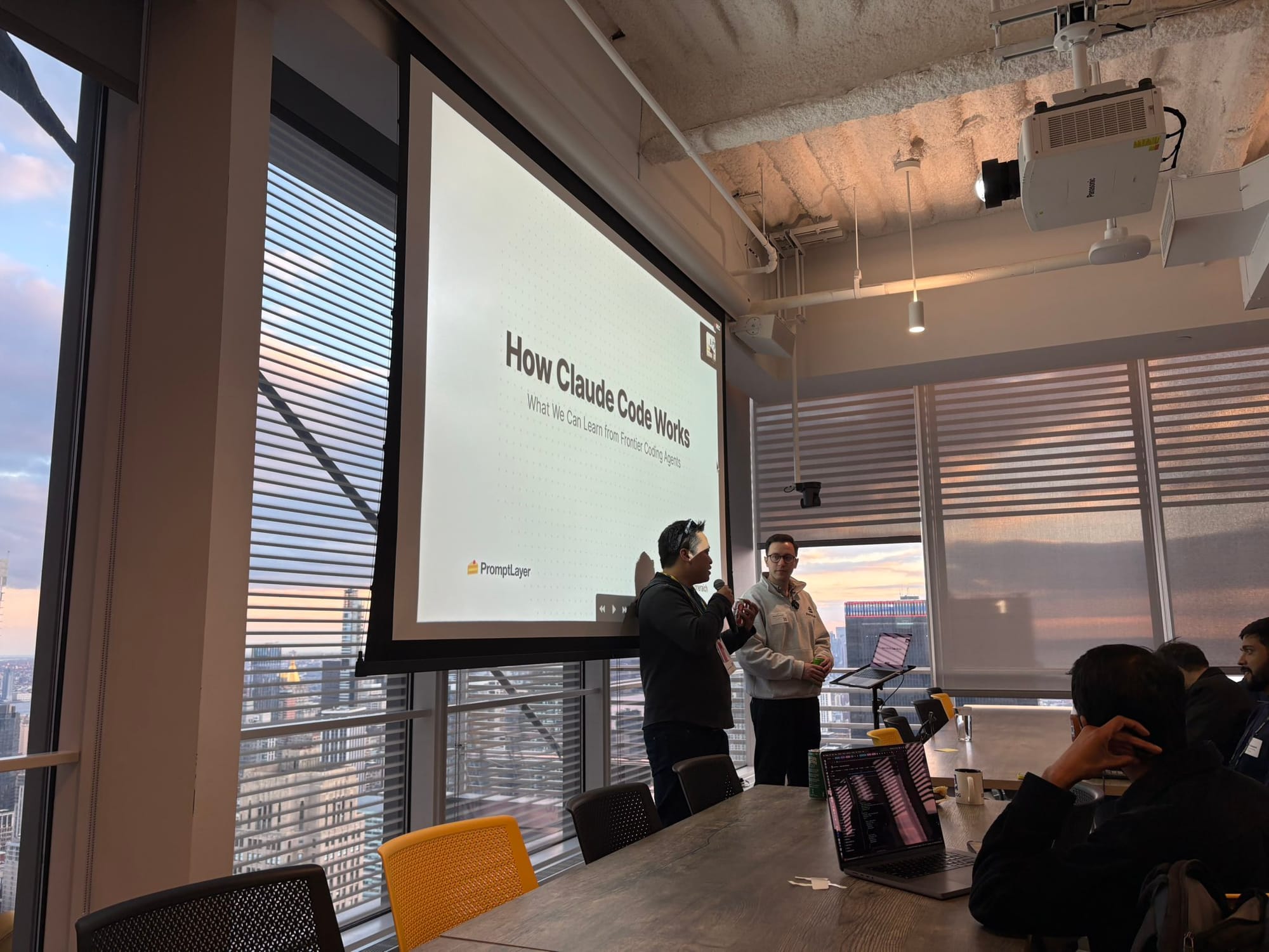
Funny enough, I built the entire slide deck for this talk using Claude Code. I made a Slidev skill so it knows how to write presentations, a deep research skill to research all the agents, and a design skill. The boxes, the colors — I just said "make it nicer" and it did.