How to Design Agentic Context

Agentic context is a system design problem
Agentic context is the set of information an agent can read, write, retrieve, and carry across steps while it works toward a goal. It includes system instructions, developer instructions, user messages, retrieved documents, tool schemas, tool outputs, memory, intermediate state, prior decisions, and evaluation feedback.
For simple chat flows, context design often means writing a better prompt. For agents, that is not enough. Agents run loops, call tools, update state, branch into subtasks, and make decisions based on partial information. If the context is poorly designed, the agent may use stale tool results, follow outdated instructions, miss important constraints, or spend most of its token budget on irrelevant data.
A good agentic context design answers four questions:
- What should the agent know before it starts?
- What should the agent retrieve while working?
- What should the agent remember after the task?
- What should the agent discard, summarize, or refresh?
Separate context into explicit layers
Do not treat the prompt as one large string. Break agentic context into layers with clear ownership and update rules. This makes the agent easier to debug, evaluate, and change safely.
1. Stable instructions
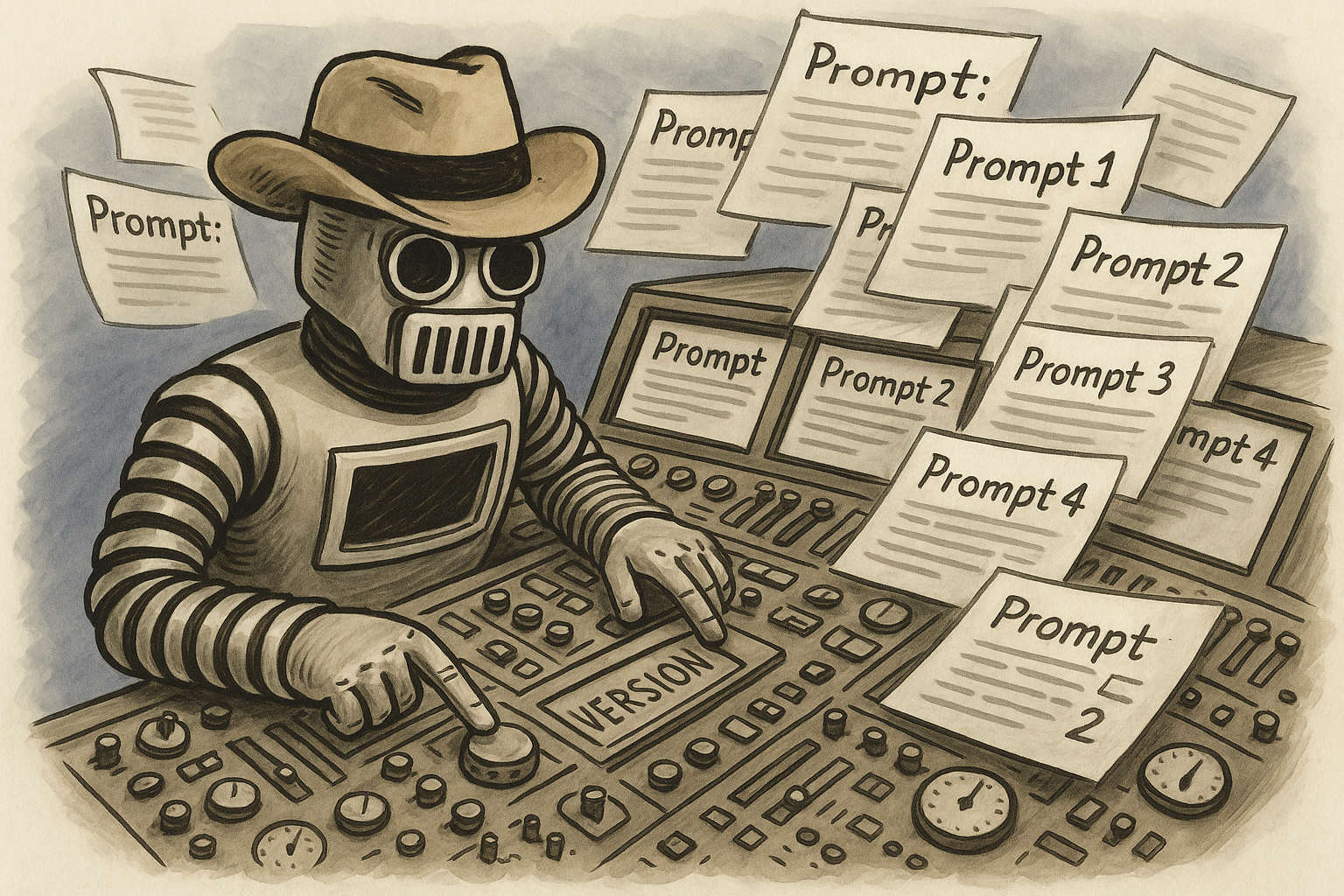
Stable instructions define the agent’s role, boundaries, output format, tool usage rules, and safety constraints. These should change rarely and should be versioned like application code.
Example:
- The agent must return JSON that matches a defined schema.
- The agent may call the billing API only after confirming the user ID.
- The agent must ask for clarification if required fields are missing.
Keep this layer compact. Avoid putting retrieved facts, user history, or temporary task state here. Mixing durable instructions with runtime facts makes changes hard to review and can cause the model to treat temporary information as permanent policy.
2. Task state
Task state is the current working state of the agent. It may include the user’s goal, open questions, completed steps, failed attempts, selected plan, and pending tool calls.
This layer should update often during the run. Store it in a structured format when possible:
- Goal: “Generate a refund eligibility decision for order 48291.”
- Known fields: order ID, customer tier, purchase date.
- Missing fields: delivery status, return reason.
- Next action: call order_status_lookup.
Structured task state reduces drift across multi-step runs. It also makes it easier to inspect traces when the agent fails.
3. Retrieved facts
Retrieved facts come from search, vector databases, SQL queries, document stores, APIs, or tool calls. These facts should be clearly labeled as external context, not instructions.
A common mistake is pasting retrieved documents directly below the system prompt with no boundaries. The model may treat document text as higher-priority guidance, especially if the document contains procedural language. Use explicit labels such as:
- Retrieved policy document
- CRM record
- Latest tool result
- Unverified user-provided claim
When facts have timestamps, include them. Agentic systems often fail because an old tool result remains in context after newer state becomes available.
4. Durable memory
Durable memory is information that should persist across sessions or tasks. Examples include user preferences, account configuration, prior decisions, and long-term project constraints.
Do not store every conversation turn as memory. Durable memory should pass a write policy:
- Is this fact likely to be useful later?
- Is it stable enough to keep?
- Did the user state it clearly?
- Does it need an expiration date?
- Can the user inspect or correct it?
Temporary state and durable memory need separate storage. If an agent remembers “user is debugging a billing issue” after the issue is resolved, future answers may become biased or confusing.
5. Tool schemas and tool outputs
Tool context includes tool names, descriptions, input schemas, output schemas, and recent results. Keep tool descriptions short and operational. The agent should know when to call a tool, what arguments to send, and how to interpret the result.
Tool outputs should expire. For example, inventory data may be valid for 30 seconds, while a shipping address may be valid until the user changes it. Add freshness metadata:
- source: inventory_api
- retrieved_at: 2026-06-03T14:05:00Z
- ttl_seconds: 30
- confidence: high
If you use tool standards such as the Model Context Protocol, still define your own policies for what enters the model context, what gets stored, and what must be refreshed.
Design for the context window you actually have
Your agent does not have unlimited space. The context window sets the maximum amount of input and output the model can handle in one request. Larger windows help, but they do not remove the need for context discipline.
Dumping all available context into the prompt creates several production problems:
- Higher cost: every irrelevant token still costs money.
- Higher latency: larger requests take longer to process.
- Lower reliability: important constraints can get buried.
- Harder debugging: failures become harder to reproduce and explain.
Set a token budget for each context layer. For example, in a 32k-token request:
- Stable instructions: 1,000 tokens
- Tool schemas: 2,000 tokens
- Task state: 1,500 tokens
- Conversation summary: 2,000 tokens
- Retrieved facts: 20,000 tokens
- Scratchpad or reasoning artifacts, if exposed: 2,000 tokens
- Reserved output budget: 3,500 tokens
The exact numbers depend on your app, but the practice matters. If you do not reserve output budget, the model may truncate the final answer or fail to complete a structured response.
Use retrieval with ranking, filtering, and citations
Agentic context should be selective. Retrieval should answer a specific question, not fill the prompt with everything that might be relevant.
For each retrieval step, define:
- Query intent: What does the agent need to know?
- Source scope: Which indexes, tables, APIs, or files can it search?
- Ranking rules: What makes a result useful?
- Freshness rules: How recent must the data be?
- Inclusion threshold: What score is high enough to enter context?
- Citation format: How should the model refer to the source?
For RAG-style agents, prefer smaller, targeted retrieval calls over one broad retrieval call at the start. An agent writing a support response may first retrieve account state, then retrieve policy text, then retrieve recent incident status. Each retrieval step should serve the current decision.
If the model learns from examples inside the prompt, treat those examples as a separate layer. In-context learning examples should be curated, versioned, and tested. Do not let random prior conversations become examples by accident.
Prevent context rot
Context rot happens when context becomes outdated, bloated, contradictory, or polluted with low-value information. Agents are especially exposed because they accumulate state over multiple steps.
Common causes include:
- Old tool outputs remain visible after a newer call returns different data.
- Conversation summaries preserve early assumptions after the user corrects them.
- Memory stores temporary preferences as permanent facts.
- Retrieved documents conflict, but the prompt does not tell the model how to resolve conflicts.
- Debug instructions accidentally ship in production prompts.
Add cleanup rules to your agent loop. For example:
- Replace tool results by key instead of appending every result.
- Expire volatile data with timestamps and TTLs.
- Regenerate summaries after major state changes.
- Drop failed plans once the agent selects a new plan.
- Keep only the latest valid result for each external system unless history is required.
When two sources conflict, make the resolution policy explicit. For example, “Use the latest successful API response over retrieved documentation for account-specific fields.”
Log context versions, not just model outputs
If you cannot reconstruct the exact context used for a model call, you cannot reliably debug the agent. Store context versions alongside traces and outputs.
At minimum, log:
- Prompt template version
- System and developer instruction versions
- Model name and parameters
- Tool schema versions
- Retrieved document IDs and chunk versions
- Memory read keys and memory write events
- Tool call inputs and outputs
- Context assembly order
- Total input tokens, output tokens, latency, and cost
This matters when an agent changes behavior after a retrieval index update, a prompt edit, or a tool schema change. Without context versioning, teams often blame the model when the real issue is a changed chunk, missing memory record, or stale tool result.
Write context contracts between components
Agent systems usually involve multiple components: planner, retriever, executor, memory store, tool router, evaluator, and UI. Each component should have a context contract.
A context contract defines what a component can read, what it can write, and what format it must use.
Example contract for a refund agent:
- Planner reads: user request, account status, order summary, refund policy snippets.
- Planner writes: plan steps, required tool calls, missing fields.
- Tool executor reads: approved tool call name and JSON arguments.
- Tool executor writes: tool result, error state, timestamp, retry count.
- Memory writer reads: final outcome and user-confirmed preferences.
- Memory writer writes: durable facts only after validation.
Contracts reduce accidental context sharing. They also make it easier to test each part of the agent without running the full workflow.
Evaluate context changes before shipping
Agentic context changes can break production behavior even when the model, tools, and application code stay the same. Treat context changes as release candidates.
Run evals when you change:
- System instructions
- Tool descriptions or schemas
- Retrieval ranking logic
- Chunking strategy
- Memory write policy
- Conversation summary format
- Context truncation rules
- Agent loop termination criteria
Use eval sets that include realistic failures. For a support agent, include missing fields, conflicting policies, stale account data, tool timeouts, angry users, partial refunds, and requests outside policy. For a coding agent, include ambiguous tickets, failing tests, outdated docs, large repos, and tool errors.
Track metrics such as:
- Task success rate
- Tool call accuracy
- Invalid tool arguments
- Policy compliance
- Groundedness against retrieved sources
- Token usage per successful task
- Latency per workflow step
- Memory write precision
- Regression rate against known edge cases
Do not rely only on final-answer grading. For agents, evaluate intermediate steps too. A final answer can look acceptable while the agent called the wrong tool, used an expired result, or wrote bad memory that will hurt future runs.
Use summaries carefully
Summaries help control token usage, but they can also remove details the agent needs later. Treat summaries as generated artifacts with their own schema and evals.
A useful agent summary should preserve:
- User goal
- Confirmed facts
- Open questions
- Decisions already made
- Failed attempts and why they failed
- Current external state with timestamps
- Constraints that still apply
Avoid vague summaries like “The user wants help with their account.” Prefer specific state: “User wants to know whether order 48291 qualifies for a refund. Purchase date is 2026-05-28. Delivery status is unknown. Refund policy requires delivery status and return reason.”
Keep instructions and facts separate
Agents become less reliable when instructions and facts share the same unstructured block. The model needs to know which text defines behavior and which text is evidence.
Use clear sections:
- Instructions: rules the agent must follow.
- User request: the latest user goal.
- Task state: current progress and missing fields.
- Retrieved context: external facts with sources.
- Tool results: structured outputs with timestamps.
- Output requirements: schema, tone, and required fields.
This structure helps the model prioritize. It also helps your team inspect what changed between successful and failed runs.
Watch for context anxiety
Context anxiety is the tendency to add more context because you are worried the model might need it. In production systems, this often leads to long prompts, duplicated state, and unclear priority.
Replace “include everything” with a decision rule:
- Include context if it changes the next decision.
- Include context if it is required for the output schema.
- Include context if the model must cite or explain it.
- Exclude context if it is old, redundant, low-confidence, or unrelated to the current step.
When in doubt, test both versions. If adding 8,000 tokens improves success by 0.2 percentage points while doubling cost and latency, it may not belong in the default path.
A practical agentic context checklist
Before shipping a context change, check the following:
- Stable instructions are versioned and separate from runtime facts.
- Retrieved facts include source IDs, timestamps, and relevance scores.
- Tool outputs expire or get replaced when new results arrive.
- Durable memory has a write policy and does not store temporary state.
- Context assembly order is deterministic and logged.
- Token budgets exist for each context layer.
- Summaries preserve open questions, constraints, and recent decisions.
- Conflicting sources have a resolution rule.
- Prompt, retrieval, memory, and tool schema changes run through evals.
- Traces capture enough context to reproduce failures.
Design context as part of the agent architecture
Reliable agents do not come from longer prompts. They come from clear context boundaries, disciplined retrieval, explicit memory rules, tool freshness checks, versioned prompt changes, and evals that catch regressions before users do.
Start small. Define the context layers for one workflow, log every assembled request, add token budgets, and build an eval set with your most common failure cases. Once that path is stable, extend the same patterns to more tools, memories, and agent loops.
PromptLayer helps AI teams manage prompts, trace agent runs, compare prompt versions, evaluate changes, and understand how context affects production behavior. If you are building LLM workflows or agents, create a PromptLayer account and start tracking your context changes before they reach production.