Browser-tools-mcp and other methods for agentic browser use
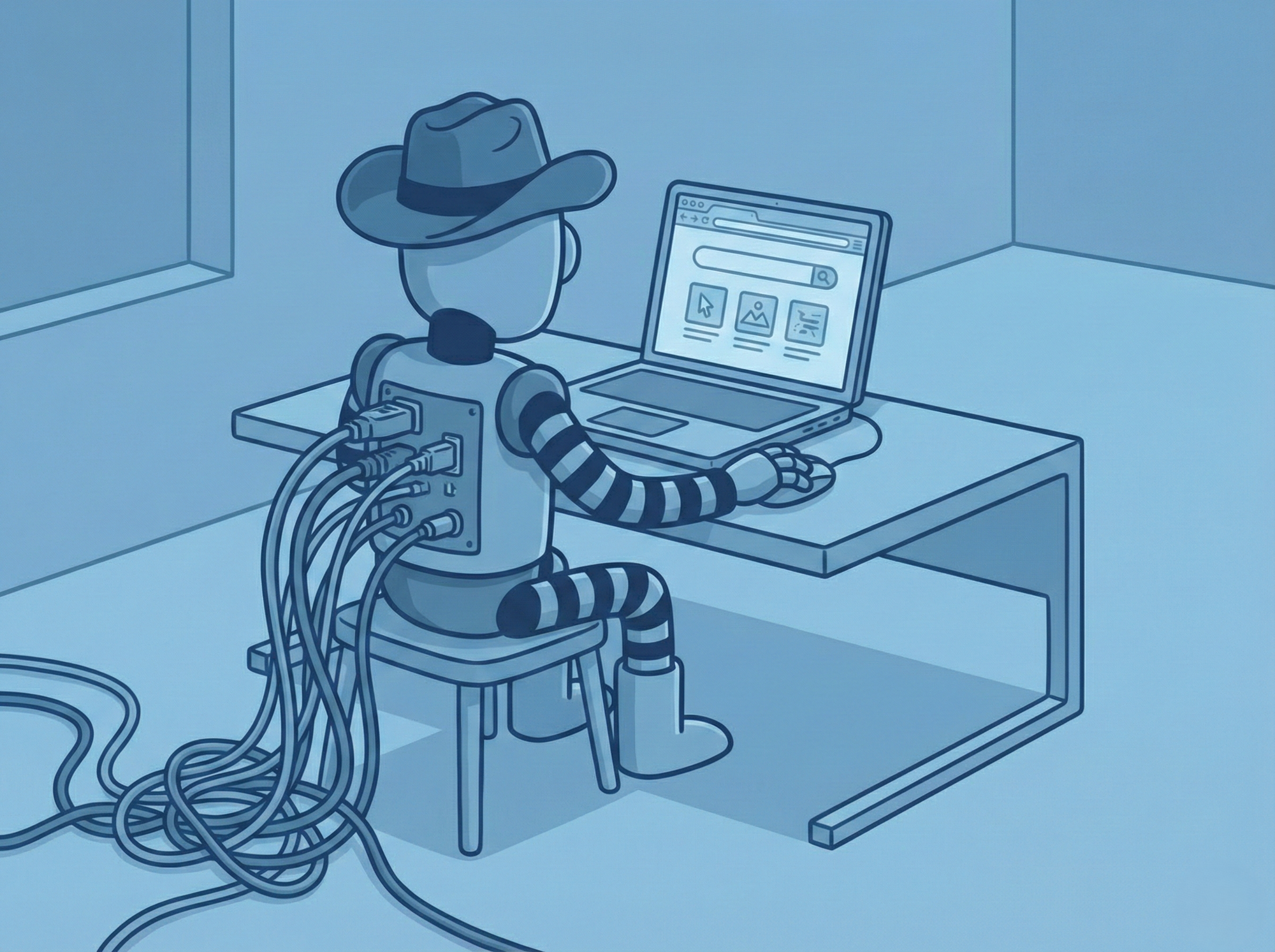
The trajectory of AI has shifted from static text generation to dynamic, agentic execution. In this new paradigm, the web browser represents one of the most important interfaces for AI agents - serving as the gateway to information, SaaS applications, and digital workflows. But integrating large language models with browser capabilities has historically been fragile. Traditional automation frameworks like Selenium were designed for rigid, code-defined testing, not the probabilistic and adaptive nature of AI agents.
MCP changes this equation by standardizing the interface between AI models and external tools - transforming the browser from a passive display medium into a structured, agent-accessible environment.
Why traditional automation breaks down
For over a decade, browser automation was dominated by frameworks built for regression testing. Tools like Selenium operated on strict command-and-control philosophy - a script would define a precise selector and an action. If the UI changed even slightly, the script would fail.
When developers attempted to bridge these tools with early LLMs, they encountered what you might call the "translation gap." The LLM thinks in natural language and semantic intent ("Click the checkout button"), while the automation tool demands precise DOM paths. This mismatch forced developers to write extensive glue code, often resulting in fragile agents that hallucinated non-existent elements or failed to handle dynamic loading states.
The proliferation of foundation models created an integration nightmare. Integrating one model with one tool required a different codebase than integrating another combination. Improvements in one agent framework didn't propagate to others.
How MCP solves the interoperability crisis
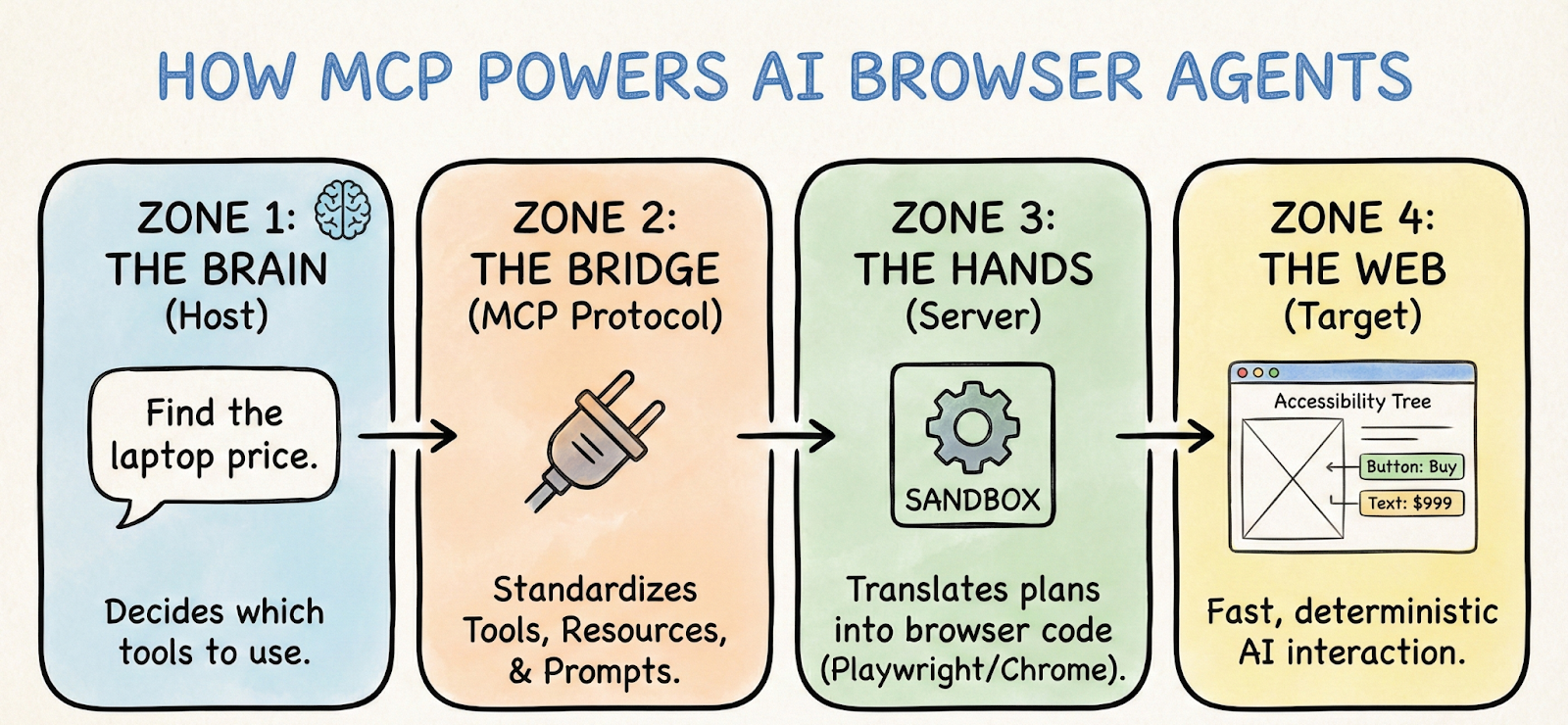
MCP introduces a universal abstraction layer. Instead of building a "Claude-to-Playwright" bridge, developers build a Playwright MCP Server that exposes standardized capabilities - Resources, Prompts, and Tools - that any MCP-compliant client can consume.
The protocol enforces a Client-Host-Server topology:
- MCP Host: The application running the AI model, managing connection lifecycle and user authorization
- MCP Client: The internal component speaking the protocol, maintaining a stateful connection with the server
- MCP Server: The standalone process controlling the browser, responsible for actual execution
This architecture allows the browser process to run in a completely different environment from the AI model - perhaps the AI runs in a cloud inference cluster while the MCP server runs inside a secure, sandboxed Docker container.
The three core primitives define how an agent perceives and manipulates the browser:
- Resources represent data that can be read but not modified - like a live stream of console logs or the current DOM tree
- Tools are executable functions that allow the agent to affect change - navigate, click, evaluate JavaScript
- Prompts define templated workflows, allowing the server to pre-configure the agent with optimal context for specific tasks
Three implementations worth knowing
Chrome DevTools MCP connects directly to the Chrome DevTools Protocol, giving AI agents the same capabilities as a senior frontend engineer using "Inspect Element." It can intercept network requests, modify local storage, and inject JavaScript directly into the V8 runtime. The performance analysis workflow is particularly powerful - an agent can record a performance profile, trigger an animation, and return a summarized insight structure identifying exactly which script is causing frame drops.
Playwright MCP prioritizes robust, reproducible automation. Its key innovation is using the Accessibility Tree rather than raw DOM. An A11y snapshot is often 90-95% smaller than raw HTML, making inference faster and cheaper while reducing hallucinations. Because the agent "sees" via the accessibility tree, it inherently tests the site's accessibility - if the agent can't find a button because it lacks an ARIA label, it fails, simulating the experience of a visually impaired user.
AgentDesk BrowserTools MCP optimizes for shared context between agent and human. Using a Chrome extension plus middleware server, it allows the agent to inherit authentication state from the user's active session. The user logs in manually, and the agent immediately has access - making it ideal for ad-hoc assistance like "look at this dashboard I'm on and export the table data."
Tracking what agents actually do
When agents interact with interfaces - clicking, waiting, and retrying - plain text logs aren’t enough to debug failures. Workflow orchestration and observability make these actions visible. Platforms like PromptLayer capture each tool interaction as a trace, showing the full execution path rather than just the final output.
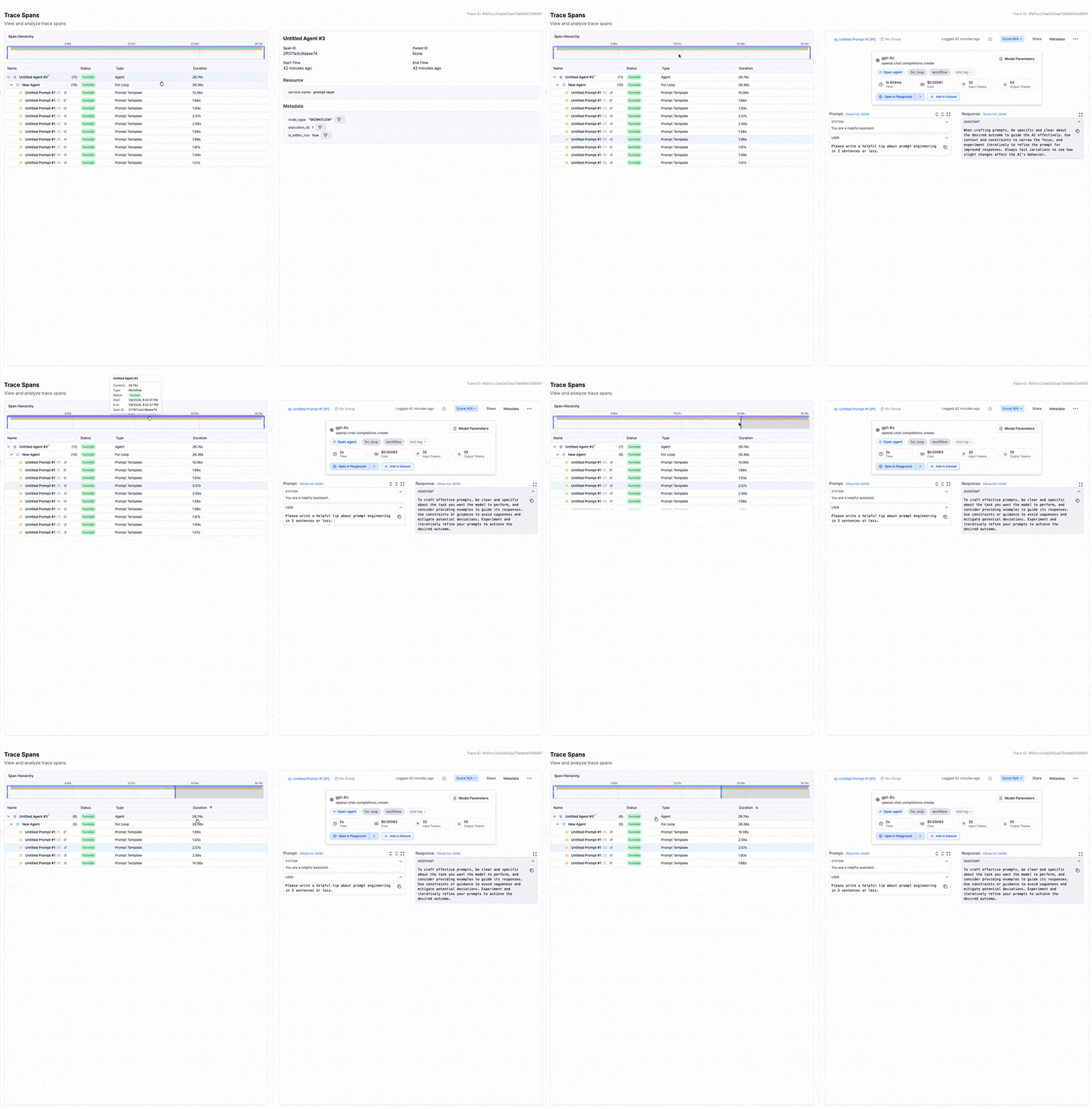
Tool calls appear as child spans of the LLM generation, allowing teams to inspect inputs, errors, and failure points - whether from a bad selector or a browser timeout. Prompt versioning is equally critical - when a system prompt change breaks behavior (for example, failing to dismiss cookie banners), comparing traces across versions makes it easy to identify regressions and roll back quickly.
The security picture you can't ignore
Connecting an autonomous agent to the open web is inherently risky. The browser is a primary vector for malware, phishing, and injection attacks.
Indirect prompt injection is the most critical vulnerability. An agent navigates to a website containing hidden text instructing it to ignore previous instructions and exfiltrate data. Because the MCP server feeds page content into the LLM's context, the model may execute these malicious instructions.
Mitigation strategies include:
- Human-in-the-loop authorization for sensitive tools like file downloads
- Running MCP servers inside Docker containers with restricted file system and network access
- Read-only configurations that disable interaction tools entirely when only monitoring is needed
- Observability as a security layer, monitoring traces for suspicious patterns and anomalies
From “browser automation” to “browser ops”
MCP turns browser automation into reusable infrastructure. Exposing browser actions as composable resources and tools lets the same capabilities power debugging, deterministic flows, or live sessions across different MCP clients.
The core principle is simple: execution without visibility is a risk. If agents can click, type, and navigate, observability and governance must be built in - trace every tool call, version prompts, and enforce safeguards like approvals and sandboxing.
The practical step is to take one manual workflow - debugging a UI issue, running an audit, exporting internal data - and wire it end-to-end with MCP and tracing. If it isn’t debuggable, it isn’t deployable. At that point, you’re already laying the foundation for browser operations that scale beyond demos.